
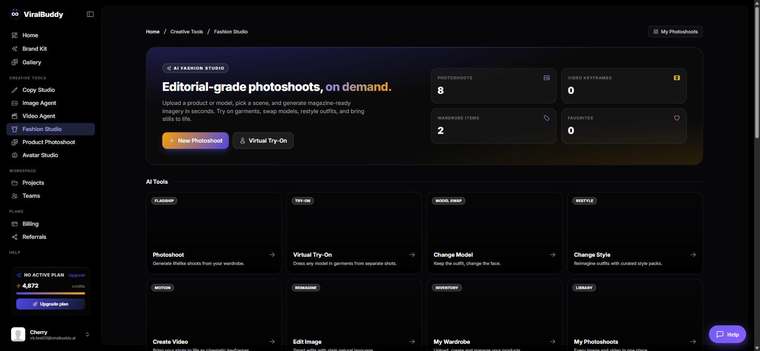
Virtual Try-On puts your garment on an AI model — turning a flat-lay into an on-model shot without a photoshoot. It lives inside Fashion Studio. This guide covers what it is, when to use it, where the images go, and how to use it.
What Virtual Try-On is
Virtual Try-On dresses a chosen model in your clothing, keeping the garment accurate while generating a realistic worn look. Upload a flat-lay, pick a model, and get an on-model image ready for your store or ads.
When to use it
- On-model product shots from flat-lays you already have.
- New drops that need worn imagery fast.
- PDP upgrades — show garments on people, not just laid flat.
Where to use the output
- Storefronts: Shopify PDPs, marketplaces, lookbooks.
- Paid social: Instagram, TikTok, Pinterest fashion ads.
How to use Virtual Try-On (step by step)
- Open Fashion Studio and choose Virtual Try-On. Open it here →
- Upload your garment — a clean flat-lay works best.
- Pick a model that fits your brand and audience.
- Generate and review, keeping the strongest shots.
- Download and publish.
Pro tips
- Use even lighting. A clean, well-lit flat-lay gives the most accurate try-on.
- Match the model to the market. The right model makes the piece feel made for your buyer.
FAQ
Do I need a model photo? No — a flat-lay is enough.
Will the garment stay accurate? Yes — your clothing is preserved on the model.
How much does it cost? Generations draw from your shared credit balance.
Ready to see it worn? Open Fashion Studio →



Comments (0)
Be the first to leave a comment.