
Great product photos do more than look nice — they sell. Here's what makes them convert, when to use each shot, where they go, and how to create them in ViralBuddy without a studio.
What makes a product photo convert
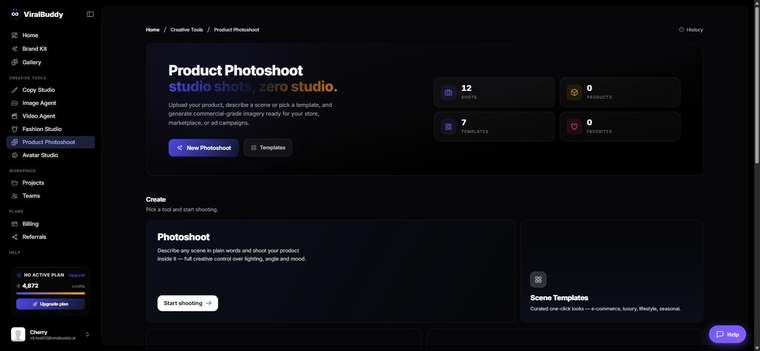
Conversion comes from clarity and context: a crisp, accurate product and a scene that helps the buyer imagine using it. With Product Photoshoot, you keep the product true and generate the context around it.
When to use each shot
- Clean hero shot for the top of the PDP.
- Lifestyle scene that shows the product in use.
- Seasonal & promo versions for campaigns and sales.
Where they go
- Storefronts: Shopify, Amazon, Etsy, your own PDPs.
- Paid social: Meta/Instagram, Pinterest, TikTok.
- Owned: email, landing pages and catalogs.
How to create converting product photos (step by step)
- Start with a clean source photo on a plain background.
- Open Product Photoshoot and upload it. Open it →
- Describe the scene — surface, light and mood that fit your buyer.
- Generate a hero and a lifestyle version, then compare.
- Publish the winners to your store and ads, and test them.
Pro tips
- Lead with clarity. A sharp, accurate product builds trust and lifts conversion.
- Show the product in use. Context helps buyers picture owning it.
FAQ
Will my product stay accurate? Yes — only the scene around it changes.
What source photo works best? A clean, well-lit shot on a plain background.
How much does it cost? Generations draw from your shared credit balance.
Ready for photos that convert? Open Product Photoshoot →



Comments (0)
Be the first to leave a comment.