
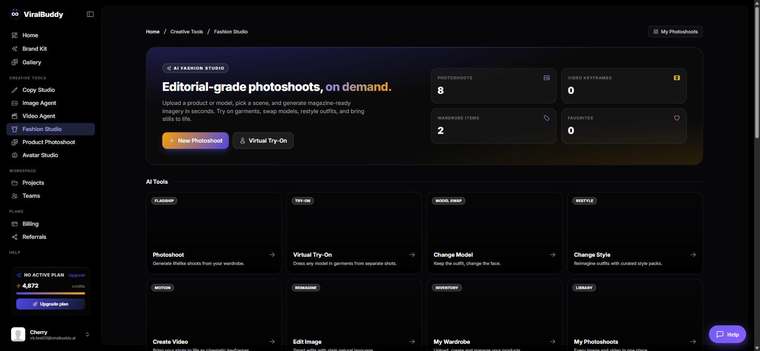
Change Model swaps the person wearing your garment — so one piece can be shown on a range of models and body types. It lives inside Fashion Studio. This guide covers what it is, when to use it, where the images go, and how to use it.
What Change Model is
Change Model takes an on-model image and replaces the model while keeping your garment true. It's how you show the same product on different people — without booking multiple shoots.
When to use it
- Diverse representation — present a piece on a range of models and body types.
- Audience-matched ads — show the right model to the right market.
- More variety from a single existing shot.
Where to use the output
- Storefronts & PDPs with multiple model options.
- Paid social tailored to each audience segment.
How to use Change Model (step by step)
- Open Fashion Studio and choose Change Model. Open it here →
- Upload an on-model image of your garment.
- Choose the new model.
- Generate and review the swap.
- Download and publish.
Pro tips
- Show range. The same piece on different models helps more shoppers see themselves in it.
- Keep the setting consistent across a collection for a cohesive feel.
FAQ
Will the garment change? No — only the model does; your product stays accurate.
Can I make several versions? Yes — generate the piece on as many models as you need.
How much does it cost? Generations draw from your shared credit balance.
Ready to show more faces? Open Fashion Studio →



Comments (0)
Be the first to leave a comment.