The Brand Kit is the foundation that makes everything else on-brand. Set it up once and every tool — Image Agent, Video Agent, Copy Studio and more — carries your identity automatically. This guide covers what it is, when to use it, where it applies, and how to set it up.
What the Brand Kit is
The Brand Kit stores your brand's essentials — logo, colors, fonts and voice — in one place. Once it's set, ViralBuddy locks those choices into every generation, so your images, videos and copy stay consistent without you re-specifying them each time.
When to use it
- Before your first generation — set it up once so everything after is on-brand.
- Rebrands & refreshes — update it once and all tools follow.
- Multiple brands — keep each identity clean and separate.
Where it applies
- Every creative tool: Image Agent, Video Agent, Copy Studio, Product Photoshoot, Fashion Studio and Avatar Studio.
- Every output you publish — ads, product pages, email and social.
How to set up your Brand Kit (step by step)
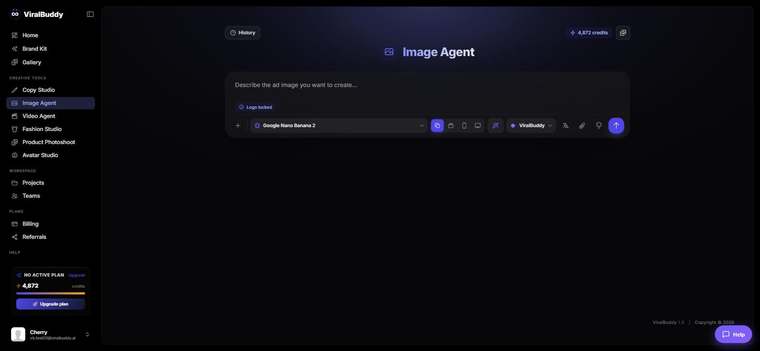
- Open Brand Kit from the menu. Open it here →
- Add your logo in a clean, high-resolution file.
- Set your colors — primary, secondary and accents.
- Choose fonts and voice so copy and design match your identity.
- Save — every tool now applies it automatically.
Pro tips
- Do this first. A Brand Kit set up before you create saves rework later.
- Keep it current. Update it the moment your brand evolves.
FAQ
Do I have to set it per project? No — set it once and it applies everywhere.
Can I run more than one brand? Yes — keep separate kits for separate brands.
Does it affect copy too? Yes — voice and tone carry into Copy Studio.
Ready to lock in your brand? Open Brand Kit →

Comments (0)
Be the first to leave a comment.