Why UGC-Style Ads Are Outperforming Polished Brand Ads
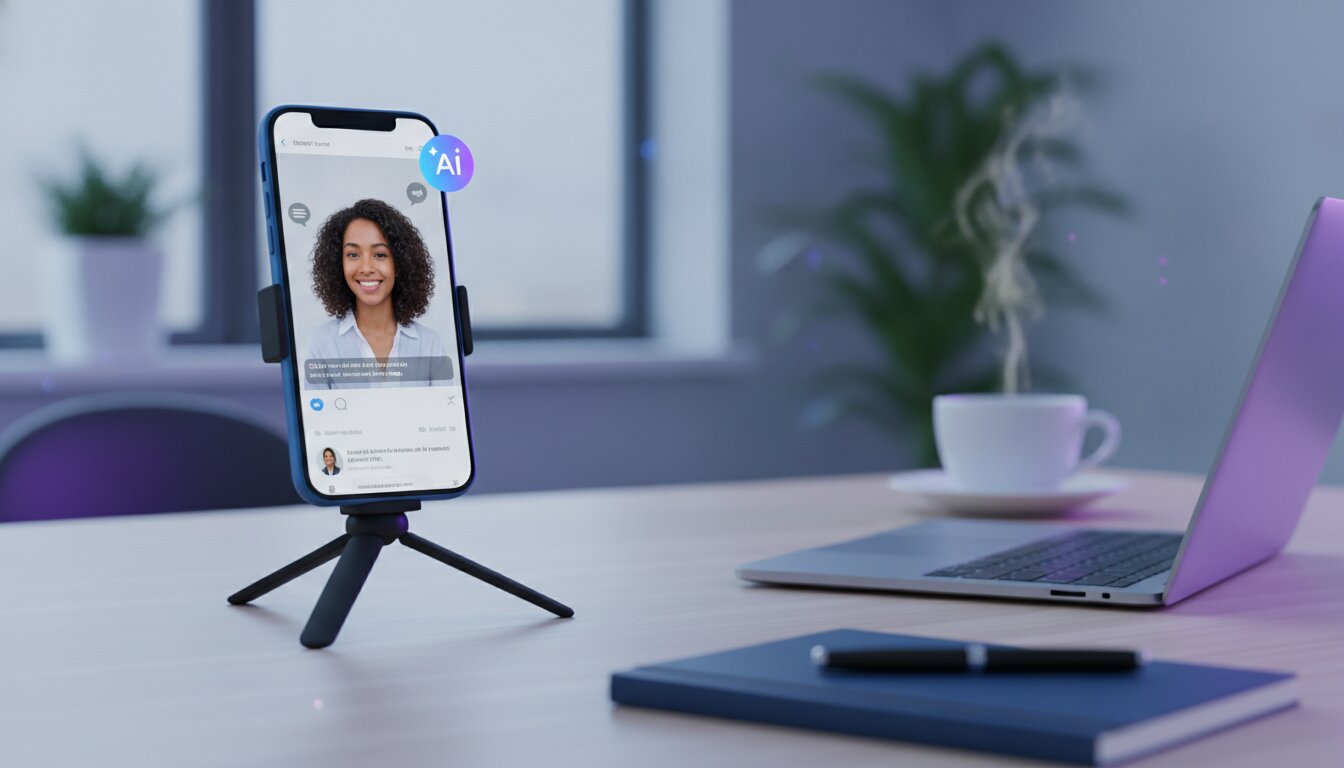
Scroll through any high-performing Facebook, TikTok, or Instagram ad feed in 2026 and you'll notice a pattern: the ads that stop the scroll rarely look like ads. They look like a real person talking straight into their phone camera, sharing an honest reaction to a product. That's the power of user-generated content (UGC) style advertising — it borrows the trust of organic content and applies it to paid media.
The problem has always been production. Booking real creators, coordinating filming, writing scripts, and paying per-video fees made UGC ads slow and expensive to test at scale. AI has removed that bottleneck.
How AI-Generated UGC Ads Actually Work
Modern AI UGC tools combine three pieces of technology that used to require a full production team:
- AI actors/presenters — realistic on-camera talent generated or licensed for commercial use, so you're not filming anyone in real life.
- Script-to-video generation — you write (or AI writes) a short hook-driven script, and the model handles delivery, lip-sync, and pacing.
- Scene and product integration — your product shots, screen recordings, or B-roll get stitched in automatically around the talking segments.
The result is a finished, platform-ready video ad in minutes instead of days, and you can produce dozens of variations to test hooks, angles, and offers without re-booking a single creator.
A Step-by-Step Workflow for Your First AI UGC Ad
- Start with the hook. The first 1-2 seconds decide whether someone keeps watching. Write 3-5 hook variations before you generate anything (e.g. "I wasn't going to post this, but...", "POV: you just found the tool everyone's hiding").
- Keep the script conversational. Write like you talk, not like an ad. Short sentences, contractions, a specific personal detail ("I tried this at 11pm on a Tuesday and...").
- Pick a presenter that matches your audience. Age, tone, and setting should feel native to the platform and demographic you're targeting.
- Generate multiple variants. Same script, different presenters and hooks — this is where AI wins over traditional production, since each variant costs minutes, not a new shoot.
- Layer in product proof. Cut to screen recordings, before/after shots, or the product itself for 2-4 seconds mid-video to back up the claim.
- Test small, scale winners. Run a handful of variants at low spend, then push budget into whichever hook/presenter combination gets the lowest cost-per-result.
Common Mistakes to Avoid
- Over-polishing the video. Adding heavy branding, transitions, or music can make it read as an ad again — the whole point is that it doesn't look produced.
- Burying the offer. State what the product does and why it matters within the first 5-8 seconds.
- Using one script for every platform. A hook that works on TikTok often needs re-pacing for Instagram Reels or YouTube Shorts.
Try It Yourself
ViralBuddy's Avatar Studio lets you go from script to a finished, ready-to-run UGC-style video ad in a single workflow — pick a presenter, write or generate your script, and export in minutes. It's the fastest way to test the workflow above without booking a single creator.
Comments (0)
Be the first to leave a comment.