Why Most Ad Creative Fails Before It's Even Tested
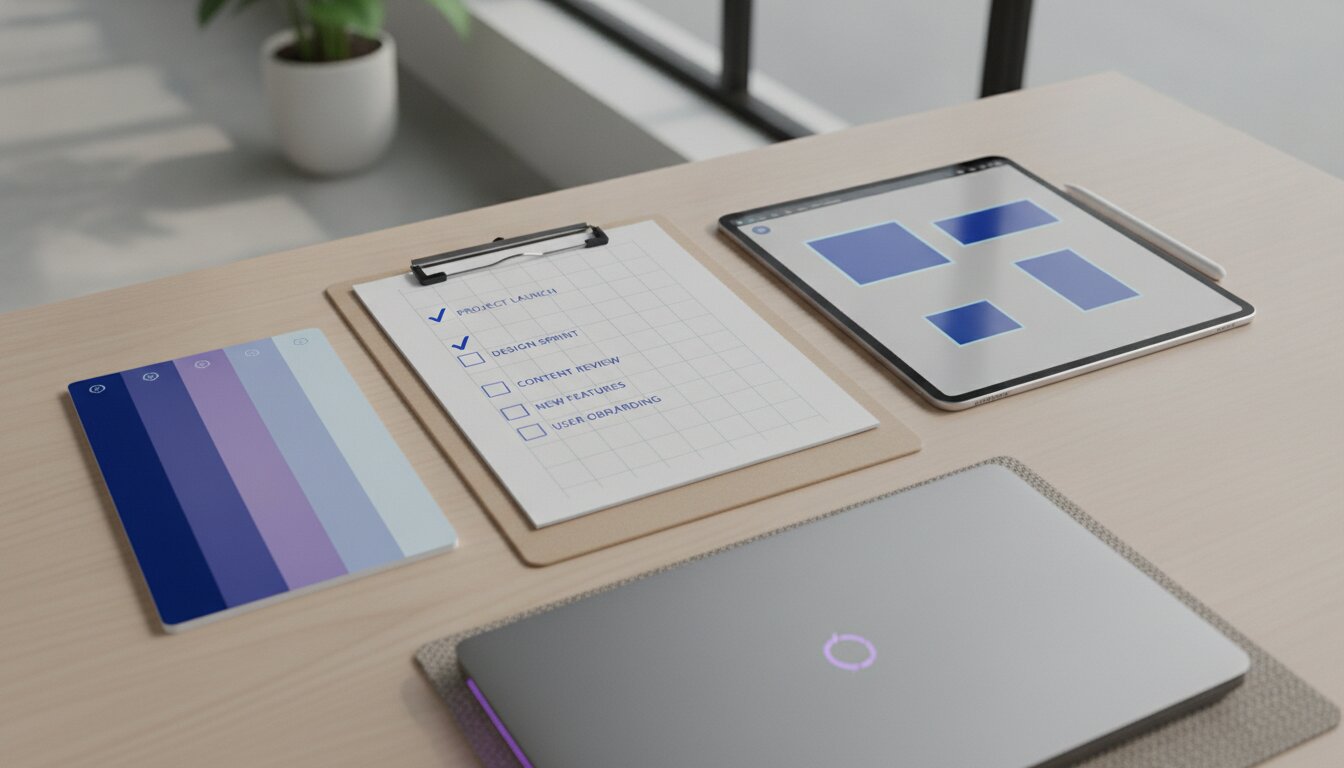
The biggest waste in paid advertising isn't a bad targeting setting — it's launching creative that was never set up to succeed in the first place. Inconsistent branding, wrong-sized canvases, and generic copy quietly tank performance before a single dollar of budget can tell you anything useful. This checklist covers the three things to get right before you launch anything.
1. Build a Real Brand Kit First
A brand kit isn't just a logo file. Before generating any ad creative, lock down:
- Primary and secondary colors — exact hex codes, not "roughly blue."
- Typography — one heading font, one body font, used consistently across every asset.
- Logo variants — a version for light backgrounds, dark backgrounds, and a square icon-only mark for small placements.
- Tone of voice notes — three adjectives that describe how your brand should sound, so copy stays consistent even across dozens of ad variants.
Every asset generated after this point should pull from the same kit. This is what makes a scrappy, fast-produced ad still look like it belongs to a real brand instead of a random template.
2. Use the Right Canvas Preset for Each Placement
The single most common creative mistake is designing one asset and stretching it across every placement. Each platform rewards a different aspect ratio:
- 9:16 (vertical) — Reels, TikTok, Stories. This should be your primary format in 2026; it's where most attention lives.
- 1:1 (square) — Feed placements on Facebook and Instagram; still widely used and safe across most surfaces.
- 16:9 (horizontal) — YouTube pre-roll and some Search/Display placements.
Design (or generate) natively for each ratio rather than cropping one master asset — cropping a 9:16 video down to 1:1 usually cuts off the subject or the on-screen text.
3. Ad Copy Formulas That Actually Convert
Copy is where most creative gets generic. Three formulas that reliably outperform vague "check out our product" copy:
- Problem → Agitate → Solve. Name the specific frustration, make it concrete with a detail, then introduce your product as the fix.
- Before → After → Bridge. Paint the "before" state, the "after" state, and position your product as the bridge between them.
- Specific claim + proof. A precise number or outcome ("3x faster," "under 60 seconds") reads as more credible than a vague benefit statement, especially paired with a screenshot or demo clip as proof.
Write 4-6 headline variants per ad concept before you generate any visuals — cheap to produce, and the headline is usually what determines whether the rest of the ad gets seen at all.
Pre-Launch Checklist
- Brand kit locked (colors, fonts, logo variants, tone notes)
- Creative generated natively for 9:16, 1:1, and 16:9 — not cropped from one master
- 4-6 headline variants written before final asset generation
- Every ad has a specific, low-friction call to action
- Captions burned in for every video (most social video is watched muted)
Try It Yourself
ViralBuddy's Image Studio and Video Studio apply your brand kit and the correct canvas preset automatically, so every asset you generate — across every platform ratio — stays on-brand without manual resizing.
Comments (0)
Be the first to leave a comment.